

What it can do
- Answer questions about your business: “Who still owes money for Spring Soccer?” or “Which members have a card on file?”
- Explain Hurdle: ask how to do something, and it tells you where to click.
- Set things up: describe a program, with its schedule and prices, in one message.
- Draft messages to families.
- Run tasks on a schedule: “Every weekday at 8am, email me which members are low on credits.”
- Build workflows that run on their own when something happens, like following up after a trial class.
You stay in charge
Before Agents saves, sends or charges anything, it shows you a card. Nothing happens until you click to approve it. If the action cannot go through, the card says why first.What it remembers
Agents keeps short notes about your business, like your refund policy. You can see, change or delete them under Memory. Only notes marked as shared with members are used when the AI talks to families.AI that talks to families
Hurdle also has a chatbot on your website, and Lead Autopilot, which can reply to new leads in your Inbox. Both use only what you have shared with members.Where to find it
In the menu on the left, click Agents. Only admins see it.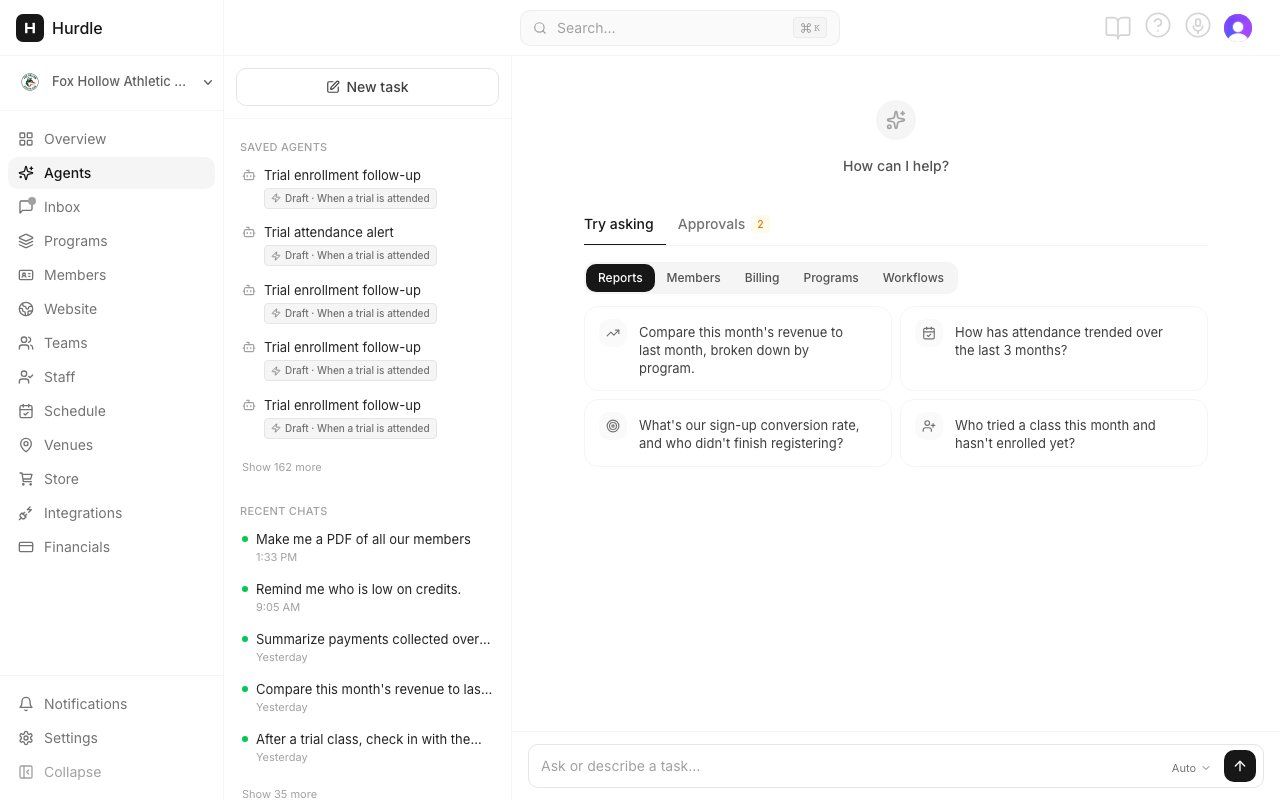
Type your request in the box. Saved agents and Memory are in the left rail.