

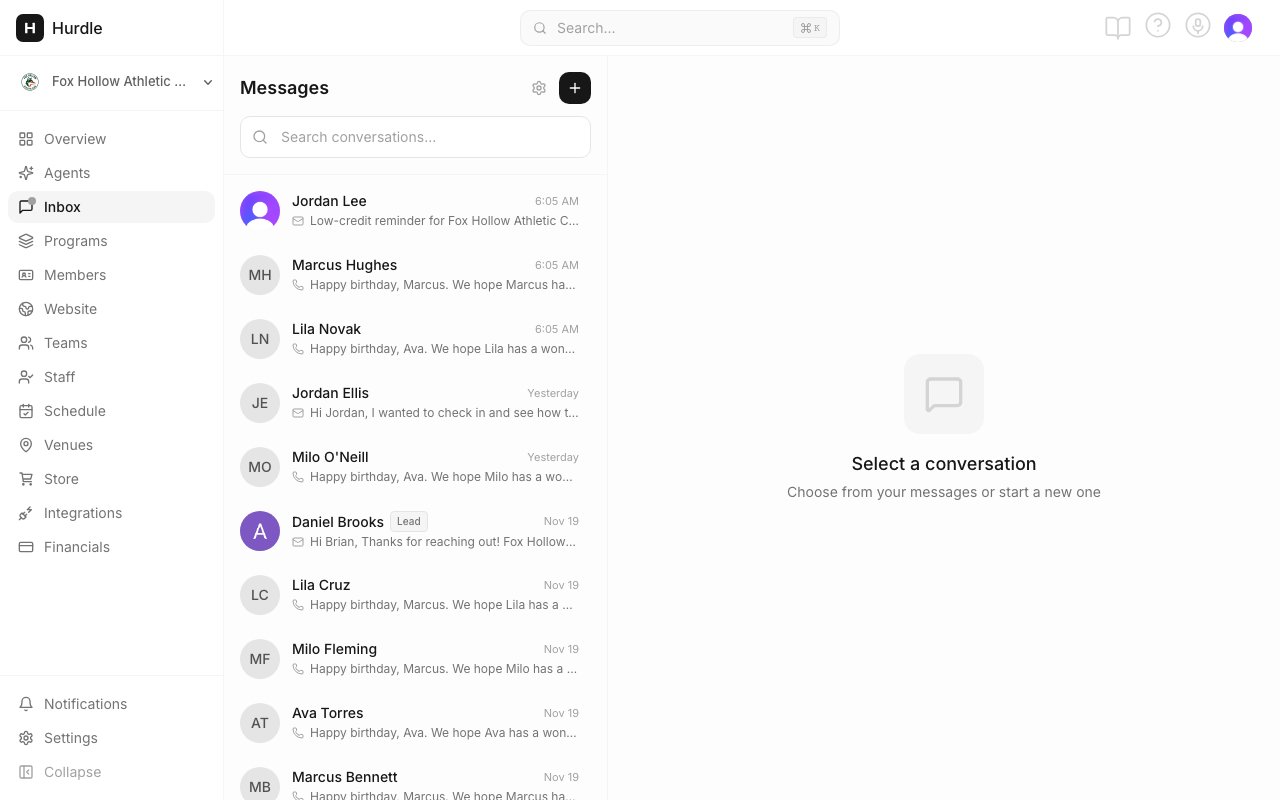
The Inbox. Click + to start a message, newsletter or form.
Talk to families
Use the Inbox
Read, reply and start a conversation.
Message a group
One message to a class, a program or a group you describe.
Personal messages
Each family sees their own names and times.
Message an address
Write to someone who isn’t in Hurdle yet.
Log your own email
Save emails you send from Gmail or Outlook.
Newsletters and forms
Write a newsletter
Templates, AI drafts and live program cards.
Send a newsletter
Pick the audience and track opens.
Unsubscribes
Opt-outs and putting someone back on the list.
Send a form
Collect sign-ups, sizes or availability.
WhatsApp with families
Group links on every plan, and what Premium adds.
Connect WhatsApp Business
Link your business number.
WhatsApp opt-in
Who can get WhatsApp messages.
WhatsApp messages
Chats, announcements and notices.
WhatsApp groups
Groups Hurdle runs for a team.